-01%201.svg)
Key takeaways
- Cloud based financial data access gives founders, finance leads, and CAs one live, secure source of truth for books, documents, and compliance.
- Expect live ledgers, bank feeds with rules, a document room with history, a compliance dashboard, and in app conversations with trails.
- Benefits include real time visibility, faster closes, cleaner reconciliations, stronger compliance, and lean scale without server upkeep.
- Risks can be managed with role based access, multi factor login, encryption, audit logs, backups, and tested recovery.
- A phased rollout, paired with clear SOPs and training, unlocks quick wins, then steady automation and control.
- AI Accountant, a CA led Virtual Accounting service with a live dashboard, delivers this model without email and Excel chaos.
What is cloud based financial data access
Cloud based financial data access is a secure way to view your live accounting data, documents, and compliance status on the internet. It gives founders, finance leads, and CAs the same source of truth from anywhere, at any time. It is more than basic cloud accounting. It includes a document room with version control, audit trails, bank statement analysis, and a clear calendar for GST, TDS, income tax, and ROC due dates. Learn how a document room with version control works. It also keeps all chats and approvals in one place.
- Live ledgers with profit and loss, balance sheet, and drill downs
- Bank feeds with automated reconciliations and rules
- A safe document store with search and history
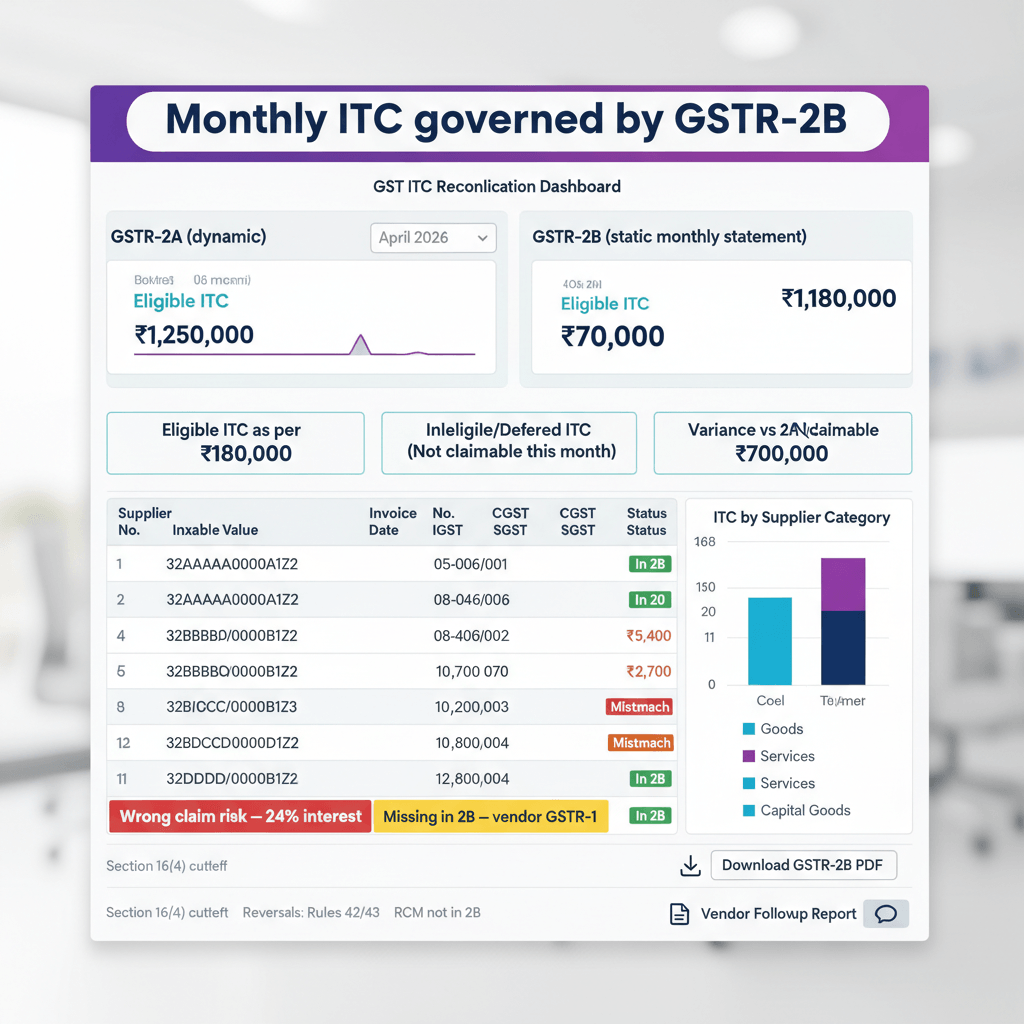
- A compliance dashboard that tracks GST, TDS, income tax, and ROC filings
- In app conversations for queries and approvals so nothing is lost
This setup replaces scattered files and messages, cuts repeat work, and helps you make faster calls with clean data.
Bottom line: One login, one dashboard, one truth, that is the promise of cloud based access.
- Source: Business Money, cloud reporting benefits and challenges
- Source: Box, cloud importance in financial services
- Source: Nuharbor Security, securing financial data in the cloud
Benefits of cloud based access for finance teams
Real time view
- See revenue, spend, cash flow, and burn rate today, not last month
- Spot trends and odd spikes with AI insights and alerts
- Close faster with fewer back and forth loops
Better teamwork
- Give role based access to founders, CAs, and auditors
- Cut long email or chat threads by using in app notes and comments
- Keep all files and messages tied to the right ledger line
Compliance confidence
- See GST and TDS status on one screen
- Get reminders on filing dates, avoid late fees and notices
Lean and scalable
- Use automation for imports, rules, and checks
- Scale without buying servers or hiring a large in house team
The proof shows up in time saved and money saved, firms report cost gains from cloud reporting, and shorter close cycles, which frees people to focus on planning and growth.
- Source: Business Money, cloud reporting benefits and challenges
- Source: Box, cloud importance in financial services
- Source: Nuharbor Security, securing financial data in the cloud
Risks and challenges of cloud based financial data access
Security threats
- Shared cloud systems can be attacked if set wrong
- Human error is the main cause of breaches, not just hackers
Compliance pressure
- Data privacy and sector rules can be strict
- Cloud choices can make reporting harder if you do not plan well
Vendor lock in
- Deep use of one tool can make it hard to switch
- Lack of export options can trap your data
Uptime and recovery
- Internet problems can block access
- You need a fallback plan and tested restores
Adoption and change
- Teams used to local files and desktop tools need training
- Change without training builds shadow systems and errors
Mitigation play: pick the right vendor, set clear roles and checks, train users, test backups, keep an eye on logs and alerts, then iterate.
- Source: Nuharbor Security, securing financial data in the cloud
- Source: AIM Consulting, cloud risks in financial services
- Source: FINRA, cloud computing benefits and challenges
Security and compliance essentials for cloud based access
Must have controls
- Role based access control, each user sees only what they need
- Multi factor login and single sign on for safe entry
- Encryption for data in transit and at rest
- Audit logs that track who did what and when
Maker checker and trails
- Set maker checker for critical actions like GST, TDS, ROC, and tax filings
- Keep full trails of document uploads, edits, and approvals
- Retain statutory records as per law
Backups and recovery
- Back up data often and test restores
- Have a disaster plan for outages
Data residency and privacy
- Know where your data lives and how PII is stored
- Follow local rules on data storage and access
Automate checks
- Use automated rules to enforce password, device, and access policies
- Align your internal controls with strong vendor SLAs
These steps create a safe and compliant cloud core, reduce manual work, and raise trust during audits.
- Source: Nuharbor Security, best practices
- Source: Business Money, cloud reporting
- Source: Baker Donelson, banking in the cloud
- Source: ISACA, data sovereignty and risk
Features to look for in a cloud based financial dashboard
The right dashboard is your command center, use this primer on real time dashboards. It should be simple, fast, and clear.
- Live financial overview showing revenue, expenses, profit and loss, and balances
- Cash flow and runway trends with AI alerts for odd activity
- Recent transactions with bank feed analysis and quick match tools
- Document room with versioning and search
- Compliance calendar for GST, TDS, income tax, and ROC with filing status
- In app chat with your CA team for quick queries and approvals
- Bank and payment gateway integrations for smooth reconciliations
- Export and API options so you can move data out when needed
If a tool does not give these views, you will end up using many apps again, which brings back the very problems you want to solve.
- Source: Business Money
- Source: Box
Implementation roadmap for cloud based financial data access
Step 1. Assess your current state
- Review your accounting system, ledgers, and data quality
- List compliance gaps for GST, TDS, income tax, and ROC
- Check if your bank reconciliations are clean
Step 2. Map data sources
- Identify accounting apps, banks, GSTN, payroll, and payment gateways
- Note how each system can connect and what data fields are needed
Step 3. Select a provider
- Use a checklist for features, security, SLA terms, and data portability
- Confirm support for multi factor login, role based controls, and audit logs
- Read the exit plan terms and test sample exports before you sign
Step 4. Migrate and clean data
- Clean your ledger and set opening balances
- Categorize old transactions with clear rules
- Import documents into the new repository
Step 5. Configure access
- Define roles like founder full access, finance manager edit, auditor read only
- Turn on maker checker for key approvals and filings
- Set access end dates for guests
Step 6. Set monthly workflows
- Create SOPs for closes, reconciliations, and document uploads
- Define due dates and owners for each task
Step 7. Train the team
- Run short onboarding sessions
- Share screenshots and playbooks for common tasks
- Explain how to ask questions in app
Step 8. Go live with a pilot
- Start with one entity or one month of data
- Track KPIs like close days and reconciliation breaks
Step 9. Improve and expand
- Run weekly health checks and review alerts
- Tune rules, access, and training based on feedback
Implementation checklist
- Verify multi factor and role based controls
- Test data exports and API pull
- Assign compliance owners and backups
- Schedule weekly alert reviews and monthly audits
Visual idea: one page PDF with the checklist and a picture that shows data sources flowing into a secure dashboard, then out to role based users like founder, CA, and auditor.
Tip: keep steps narrow, move only when checks pass, that discipline prevents rework later.
- Source: AIM Consulting
- Source: Baker Donelson
- Source: Business Money
Practical use cases for cloud based financial access
Fundraising and board updates
- Share investor ready MIS with live cash runway and burn
- Give read only access to reviewers for a set time
Statutory cycles and filings
- Track GST and TDS status with reminders
- Upload working papers and link them to filings
Audit readiness
- Keep audit trails, ledgers, and schedules in one place
- Share the audit pack with time bound, read only access
- See our audit prep guide here audit readiness checklist
Distributed teams
- Give secure access without risky file shares
- Use in app chat to close queries faster
Receivables and payables
- Watch AR and AP in real time
- Reconcile bank feeds daily to cut old breaks
- Source: Business Money
KPIs for cloud based financial data access success
- Days to close month end
- Count of reconciliation breaks older than thirty days
- On time filing rate for GST, TDS, income tax, and ROC
- Penalties and notices avoided
- Dashboard logins and time in key views
- Query resolution time and SLA hit rate
If these are not moving, review your SOPs, roles, and training, then use weekly reviews to spot blockers and fix them early.
- Source: Business Money
Solutions landscape and your best fit
Here is a simple overview of the main paths you can take, deep dive on cloud accounting services here. Each option has trade offs. Pick based on your team size, skill, and timeline.
DIY cloud apps
- Pros: low cost and fast to set up
- Cons: you still do the work, limited compliance tracking, no CA support
- Best for: solo users who like hands on work
CA led managed service with a dashboard
- Pros: full service bookkeeping, reconciliations, filings, MIS, and advisory with real time visibility
- Cons: subscription fees, you must align on process
- Best for: startups, growth stage firms, and freelancers who want a partner
Enterprise ERP
- Pros: handles complex needs at scale
- Cons: costly and heavy for small teams, long setup time
- Best for: large companies with in house finance and IT
AI Accountant sits in the CA led managed plus dashboard space, it brings a dedicated CA team and a live dashboard into one managed service.
- Source: Business Money
- Source: FINRA
How AI Accountant virtual accounting enables cloud based financial data access
AI Accountant delivers a CA led managed accounting and compliance service with a central dashboard. You get one place to see your books, documents, and statutory status while a qualified CA team runs the work behind the scenes.
What the dashboard shows
- Financial overview with revenue, expenses, profit and loss, and balances
- Cash flow trends, burn rate, and runway
- AI generated insights and alerts that flag anomalies
- Recent transactions, bank feeds, and reconciliations for banks and payment gateways
- A document repository with version control and search
- Compliance calendars and live filing status for GST, TDS, income tax, and ROC
- A secure chat to talk to your CA team and track every query to closure
What the CA team manages for you
- Monthly bookkeeping for sales, purchases, expenses, and bank entries
- Ledger review and clean up, year end closing, and schedules
- Fixed asset registers and inventory records with reconciliation
- AR and AP management and MIS reporting
- Bank and gateway reconciliations and cash flow preparation
- GST registration, monthly and annual filings, e invoice setup, and health checks
- Income tax filings for individuals, firms, and companies
- TDS advisory and compliance with challans and returns
- Advance tax calculations, tax audit prep, and international tax advisory
- Payroll TDS and salary structure advice
- Annual ROC and secretarial support for small companies
Who it helps
- Freelancers who want simple, live books and clean filings
- Startups and growth stage firms that need real time visibility and a CA team
- Founders and lean finance teams who outsource day to day accounting
What this means for you
- A single source of truth with no messy file shares
- Fewer missed dates and fewer penalties
- Faster decisions with live numbers
- A calm audit with clean trails and maker checker
Best practices checklist with AI Accountant
- Enforce role based access and multi factor login
- Standardize close and reconciliation SOPs
- Keep all queries in the dashboard chat for audit trace
- Review AI alerts weekly and action outliers
- Keep the compliance calendar fresh and assign owners
- Schedule exports and set document retention rules
If you already use other apps, the CA team maps them to the dashboard, you keep your tools and gain one clear window into finance.
- Source: Business Money
- Source: Nuharbor Security
Security tips for cloud based financial access
- Use least privilege, give people only what they need to do the job
- Turn on multi factor login for all users
- Approve logins only from known devices
- Rotate passwords and review access monthly
- Keep backups and test a restore each quarter
- Use audit logs and maker checker for key filings
- Check data residency to match local rules
Make it stick: tie these steps into your monthly close checklist, so they happen on time.
- Source: Baker Donelson
- Source: Nuharbor Security
- Source: ISACA
Playbook add ons and helpful resources
Starter SOPs you can adopt today
- Daily: import bank feeds and clear matches
- Weekly: review AI alerts and open queries
- Monthly: close books, lock ledgers, and review access
- Quarterly: test backups and restore, run a security review
- Yearly: review vendor SLAs and export sample data
Download ideas
- Implementation checklist as a one page PDF
- SOP outline for monthly close
- Architecture sketch that shows data sources to dashboard to users
Related reads
- Source: Business Money
- Source: Baker Donelson
When to consider a tools list and what to look for
If you are just picking a tool, compare options and match to your process. For clarity, here are examples of tools in the market. Always check security, export options, and support.
- AI Accountant for CA led managed accounting with a live dashboard and full compliance visibility
- QuickBooks Online for small business accounting and invoicing
- Xero for cloud accounting with many app links
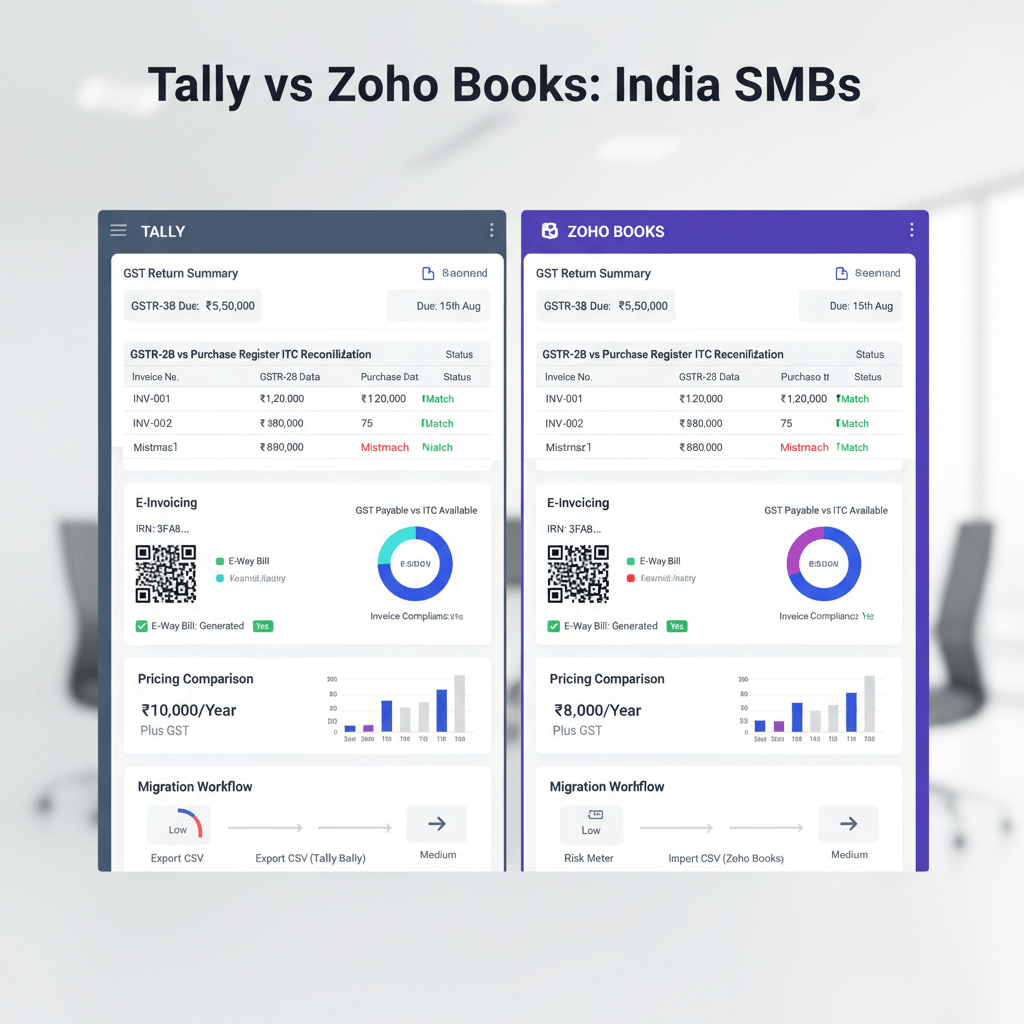
- Zoho Books for invoicing and GST support in India
- FreshBooks for simple billing and time tracking
This is not an exhaustive list, your best fit depends on your team, data flows, and the level of CA support you want.
- Source: Business Money
- Source: Box
Conclusion and next steps for cloud based financial data access
Cloud based financial data access turns scattered finance work into a secure, real time flow. With multi factor login, role based controls, encryption, and audit logs, the risks can be managed well. With a clear rollout plan, you get faster closes, cleaner filings, and better cash control.
Next step: if you want this with a CA team included, book a demo with AI Accountant. See the dashboard, the compliance calendar, and the simple workflows. We will walk you through a sample month and show how the team manages books, reconciliations, GST, TDS, income tax, MIS, payroll, and small company ROC, while you keep full visibility.
- Source: Nuharbor Security
- Source: Business Money
FAQ
How do I structure roles and maker checker in a CA managed virtual accounting setup without slowing month end close
Define least privilege roles, for example founder full access, finance manager edit, CA editor for compliance, auditor read only. Enable maker checker for payments, GST, TDS, ROC, and year end adjustments. In AI Accountant, maker checker pairs a preparer with a reviewer, both actions are logged, close checklists enforce timing so approvals happen in daily windows, not at month end crunch.
What SLAs should I demand from an AI enabled Virtual Accounting service for reconciliations, filings, and query response
Common SLAs include daily bank feed reconciliation, weekly suspense clearance, monthly close within five working days, GST and TDS filings before statutory due dates, and same business day acknowledgement for queries with twenty four hour resolution for routine items. AI Accountant offers SLA tracking inside the dashboard so you see hit rate trends.
Can we integrate Tally or legacy systems with a cloud dashboard, and still maintain audit trails
Yes, use scheduled exports from Tally or legacy ERPs, map to a standard chart of accounts, and ingest via API or CSV with checksum validation. Preserve document links, voucher numbers, and user stamps. AI Accountant supports both direct connectors and controlled CSV imports, all with audit logs.
How do we evidence data ownership and portability if we ever change vendors
Put data ownership, data export formats, and deprovision timelines in the MSA. Test a full export during the pilot, include ledgers, documents, chat logs, and audit trails. AI Accountant provides self serve exports and will furnish a migration pack on request.
What controls satisfy my auditor for security, access, and change management in the cloud
Auditors look for role based access, multi factor login, encryption at rest and in transit, central identity, access reviews, maker checker, immutable logs, and tested backups. Map these to your internal control matrix and capture evidence. AI Accountant centralizes logs and provides access review reports you can share with auditors.
How do I give my statutory auditor time bound, read only access, then revoke it cleanly
Create an auditor role with read only rights to ledgers, documents, and reports, set an explicit expiry date, and restrict to whitelisted devices. On completion, revoke access and archive the audit pack. AI Accountant lets you set expiry on access and generates an access termination log.
What internet resilience and offline fallback should finance plan for
Target dual internet links for the office, enable multi region hosting from your vendor, and keep weekly offline exports of trial balance, bank statements, and compliance calendars. Run a quarterly restore drill. AI Accountant supports scheduled exports so work can continue during outages.
How does AI in virtual accounting actually reduce errors in reconciliations and compliance
AI flags duplicate vendors, odd postings, and break patterns in bank feeds, then proposes rules. It nudges approvers before cutoffs and spots gaps in GST and TDS data. AI Accountant’s AI layer surfaces anomalies and creates review queues so humans focus on exceptions, not rows.
What KPIs should I track to ensure the CA managed model is delivering value beyond basic bookkeeping
Track days to close, count of reconciliation breaks older than thirty days, on time filing rate, penalties avoided, SLA hit rate on queries, variance analysis turnaround, and forecast accuracy. AI Accountant shows these KPIs in the dashboard so you can course correct monthly.
How are GST, TDS, and ROC filings governed so nothing slips through the cracks
Use a compliance calendar with owners, due dates, and maker checker. Lock ledgers before filings, store working papers with version history, and capture challans and acknowledgements in the document room. AI Accountant’s calendar and trails make this audit ready.
What does an end to end CA managed Virtual Accounting engagement include for a growth stage startup
Expect monthly bookkeeping, AR and AP workflows, bank and gateway reconciliations, MIS and board packs, GST and TDS compliance, income tax, payroll TDS, advance tax, and annual ROC where relevant. AI Accountant bundles these into a single subscription with a live dashboard.
How do I estimate total cost of ownership versus hiring in house
Sum subscription fees, onboarding or migration, and any add ons for entities or users, compare to salaries, software, hardware, audits, and management bandwidth. Include the cost of penalties avoided and faster fundraising cycles. AI Accountant’s managed model often replaces multiple tools and reduces incidental costs with fewer errors and faster closes.