-01%201.svg)

Key takeaways
- Automated accounting for freelancers replaces manual ledger entry with connected bank feeds, OCR receipt capture, smart coding rules, and one click reconciliations, so your books stay accurate with minimal daily effort.
- Core workflows (invoicing, expense capture, bank and gateway reconciliation, GST and TDS compliance, and dashboard reporting) run daily with only light weekly checks needed from you.
- Automation improves cash flow visibility, speeds monthly close to under a day, reduces data entry errors by up to 90%, and keeps you compliant on GST, TDS, and advance tax without last minute scrambles.
- If you bill more than three clients, handle foreign receipts, or cross GST thresholds, the complexity justifies moving from spreadsheets to a managed automation setup now rather than at year end.
- For freelancers who want automation plus CA oversight in one place, AI Accountant's bookkeeping automation handles daily transaction processing, reconciliations, and compliance so you focus on billable work.
Automated accounting for freelancers: what's new in 2026
Until March 2025, the GST e-invoicing mandate applied only to businesses with aggregate turnover above ₹5 crore. From April 2025, the threshold dropped to ₹1 crore, as per CBIC Notification No. 10/2023. This means freelancers scaling past ₹1 crore in services (consultants, developers, designers with retainer income) must now generate IRN authenticated invoices through the IRP portal. If you rely on plain PDF invoices, your clients may reject them for ITC claims.
The operational shift is real. Your invoicing tool must integrate with the e-invoice portal, pass mandatory fields (supplier GSTIN, document type, HSN/SAC at four digits minimum), and fetch the signed QR before sending. Failing to comply attracts a penalty of ₹10,000 per invoice under Section 122 of the CGST Act, and your buyer loses input tax credit, which damages client relationships fast.
Additionally, the Income Tax Department's updated Annual Information Statement (AIS) now captures more granular data: high value transactions, foreign remittances above ₹7 lakh, and specified financial transactions reported by banks and payment gateways. This means your GST reconciliation workflows must now cross check not just 26AS and GSTR 2B, but also AIS entries, to avoid notices under Section 148A.
What to do now:
- Check if your current year revenue is approaching ₹1 crore; if yes, enable e-invoicing in your accounting tool before the next billing cycle.
- Download your AIS from the Income Tax e-filing portal and reconcile it with your books monthly, not just at ITR time.
- Verify that your payment gateway integration posts gross revenue, fees, and GST on fees as separate line items, since AIS will reflect the gross figures reported by gateways.
AI Accountant already handles e-invoice generation and AIS cross matching as part of its monthly reconciliation cycle, so freelancers on the platform need no manual intervention for these new requirements.
What is automated accounting for freelancers
Automated accounting for freelancers uses connected tools that do the busy work for you, so your books update while you focus on clients. Bank feeds pull transactions daily. Payment gateways sync collections and fees. OCR reads receipts from your phone. Rules auto code expenses. Recurring invoices send on time. One click reconciliations close the loop.
All of this flows into a live dashboard, so you can see cash flow, tax due dates, and profit in real time. Think of it as bookkeeping automation for freelancers, where the software handles repetitive ledger entry and you handle decisions.
Key parts that make it work
- Bank feeds from your current account and cards. Daily imports reduce manual entry and errors.
- Payment gateway sync from Razorpay, Stripe, or UPI apps. The sync splits fees from gross amounts so revenue stays correct.
- Invoice templates with GST and HSN or SAC fields. Include TDS logic so client deductions match your records.
- Expense automation through email forwarding and mobile scans. OCR reads vendor, date, GST, and amount. Rules flag reverse charge for ads or SaaS where needed.
- Auto reconciliation that matches bank lines with invoices and bills. Duplicates get flagged before they create noise.
- Compliance calendar for GSTR 1 and GSTR 3B, 26AS matching, and advance tax projections that adjust as revenue moves.
- Reporting on client wise revenue, aging, and tax trackers. Insights and alerts cut surprises before month end.
- Client portals for a clean payment experience and faster collections, which improves working capital.
Outcomes you can expect
- Better accuracy, fewer errors, and audit ready trails.
- Time savings every month, faster monthly close, and less context switching.
- Real time cash flow and burn rate, with alerts for anomalies.
- Cleaner client billing and payments, with less follow up friction.
India specific guardrails matter. Automation can check GST registration thresholds, apply TDS rules, and prepare ITR from clean ledgers, which reduces penalties and stress.
For broader views on automation benefits, see perspectives from the ICAI guidance on accounting standards and GST portal's return filing resources.
Why freelancers should automate accounting
Automation saves hours each week. Time lost to invoice follow ups, matching bank lines, and filing checks is time you could bill. With AI powered tax automation for freelancers, invoices go out faster, reminders are smart, and payments come in through gateways that clients prefer.
Your dashboard shows who owes you, which clients pay late, and where cash might get tight, so you can act early. This is how to reduce manual bookkeeping with automated payment tracking: connect once, review weekly, and let the system handle the rest.
You also avoid misses on GST, TDS, and advance tax. If you cross GST thresholds, automation will prompt registration and filings. If clients deduct TDS, your software tracks deductions and matches them to Form 26AS, which makes year end ITR smoother, including support for e-invoicing when you scale. As your client list grows or your billing model shifts, the same automated workflows continue to work.
Explore additional advantages via the Income Tax Department's ITR guidance and Economic Times coverage of freelancer tax filing.
Core workflows to automate, step by step
Invoicing and getting paid
- Create invoice templates with your logo, terms, and tax fields. Include GST with HSN or SAC if registered. Add TDS fields where clients deduct tax. Mark exports with LUT if applicable.
- Turn on auto reminders. Send a gentle note before due date and follow up just after due date. Keep messages friendly and clear.
- Offer payment options like bank transfer, UPI, or card through a gateway. Surface a client portal for a smooth experience.
- Use multi currency for global clients. Track FX gains or losses. Match inward remittance to the invoice.
- Post receipts to accounts receivable. Auto match when funds hit the bank. Keep an audit trail.
Expense capture and control
- Use OCR to capture receipts from phone or email. Set rules by vendor and keyword to auto code categories.
- Split recurring costs like software, ads, and phone bills. Tag GST and reverse charge where it applies.
- Attach receipts to each expense. Add notes if needed. Keep business and personal spends separate.
Banking and gateway reconciliation
- Connect your current account and card feeds. Import daily. Monitor for gaps.
- Connect gateways like Razorpay or Stripe. Sync gross collections, fees, GST on fees if any, and net settlements. Never book only the net settlement as income.
- Use duplicate detection to avoid double entries. Match payouts and refunds quickly. Lock periods after close.
India compliance guardrails
- Set up GST profile with place of supply rules. Auto prepare GSTR 1 and GSTR 3B drafts from your books.
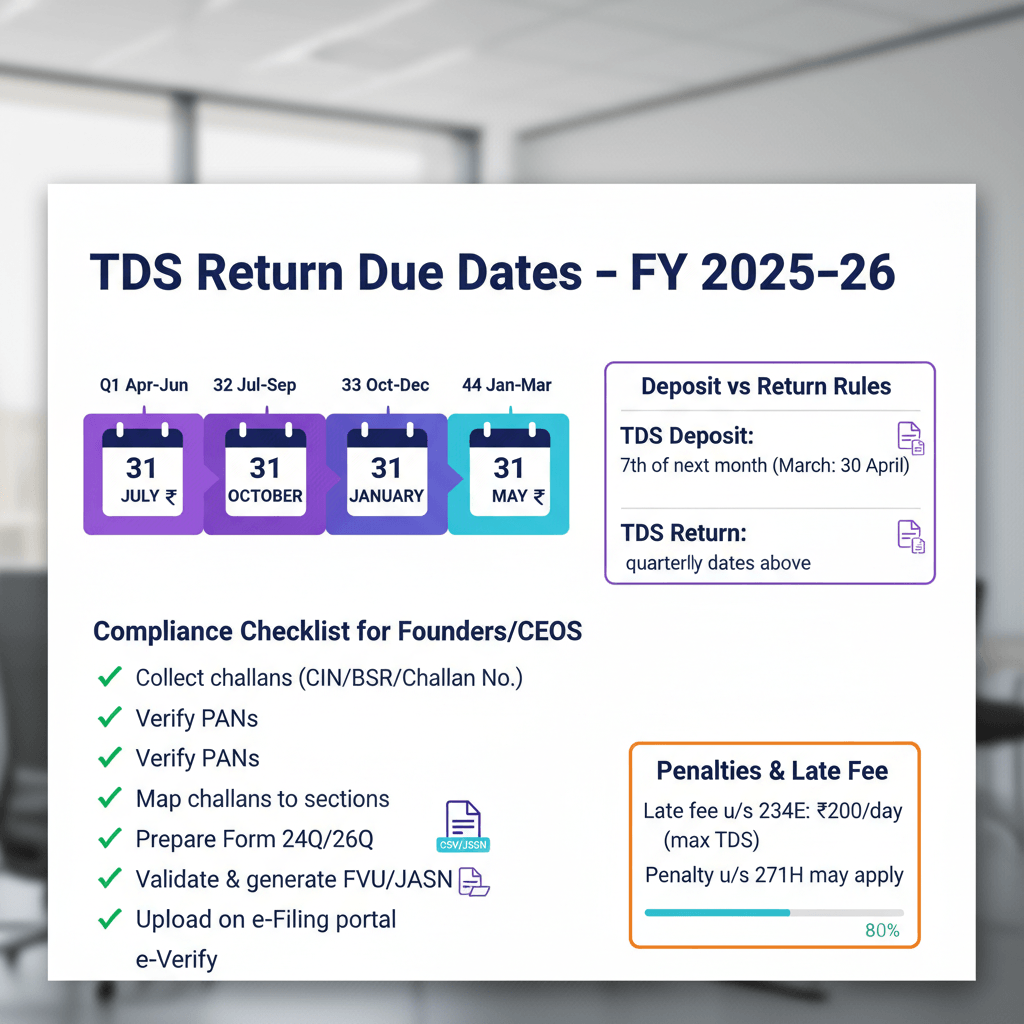
- Track TDS deductions client wise. Reconcile with Form 26AS monthly. Collect Form 16A when ready. Review the Income Tax portal guidance on viewing Form 26AS.
- Project advance tax each quarter. Set alerts for due dates. Keep buffers in your cash plan.
- For exports, prepare 15CA where needed. Keep FIRC and invoice trails together.
Reporting and alerts
- Run client profitability. Understand revenue and margin by client or project.
- Watch receivables aging and days sales outstanding. Escalate before balances go stale.
- Track GST and TDS liabilities with anomaly alerts for mismatches or missing credits.
- Review cash flow, burn rate, and runway. Set triggers for variance thresholds.
Tool selection checklist for freelancers
Must have features
- GST and TDS support, HSN or SAC, reverse charge logic, e-invoice readiness, and correct TDS mapping.
- Strong integrations: bank feeds, UPI and Razorpay, card gateways, OCR, and a rules engine for auto coding.
- Security: encryption, audit trails, clear data ownership, and controlled access.
- CA advisory or managed support when you need it. Software is great; a CA handles nuance.
- Sensible cost. Start light, then upgrade to a CA led model as complexity grows.
Best automated accounting options for freelancers
- AI Accountant
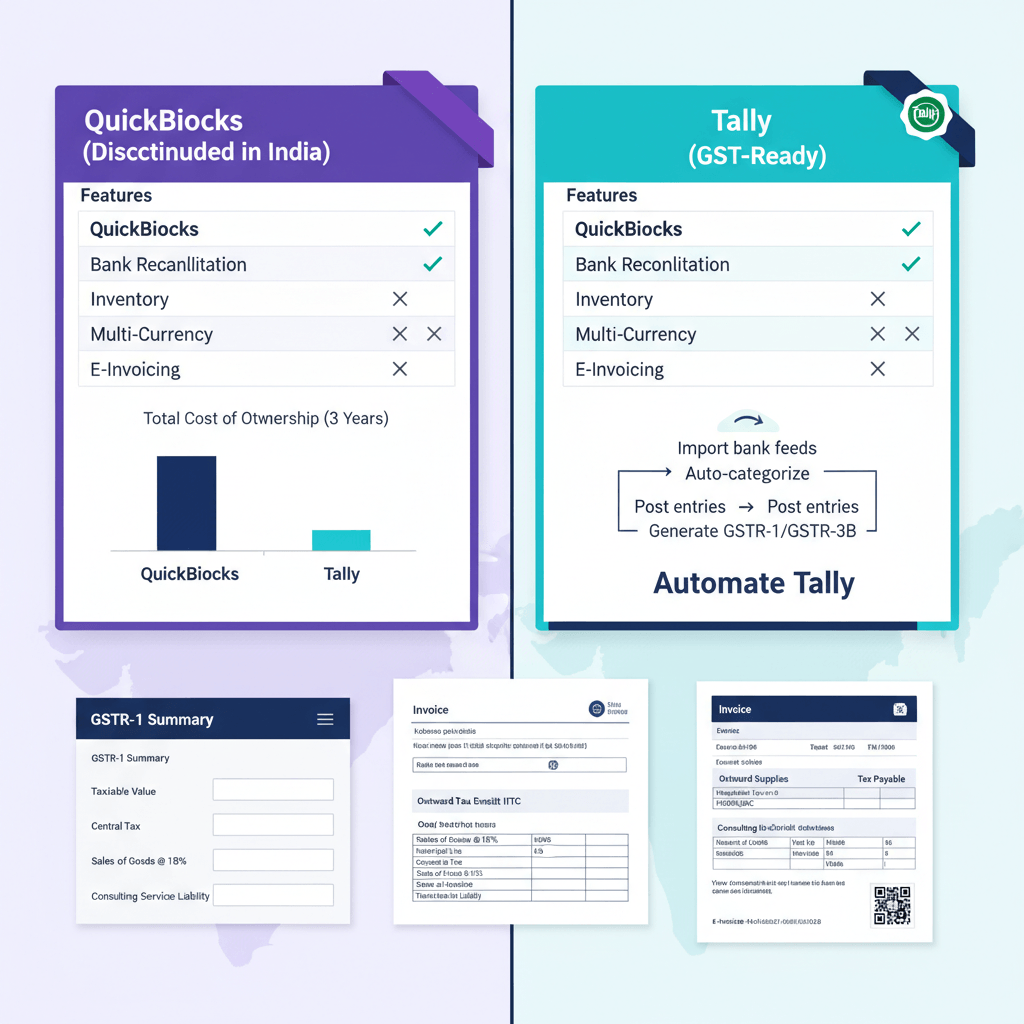
- QuickBooks Online
- Xero
- Zoho Books
- FreshBooks
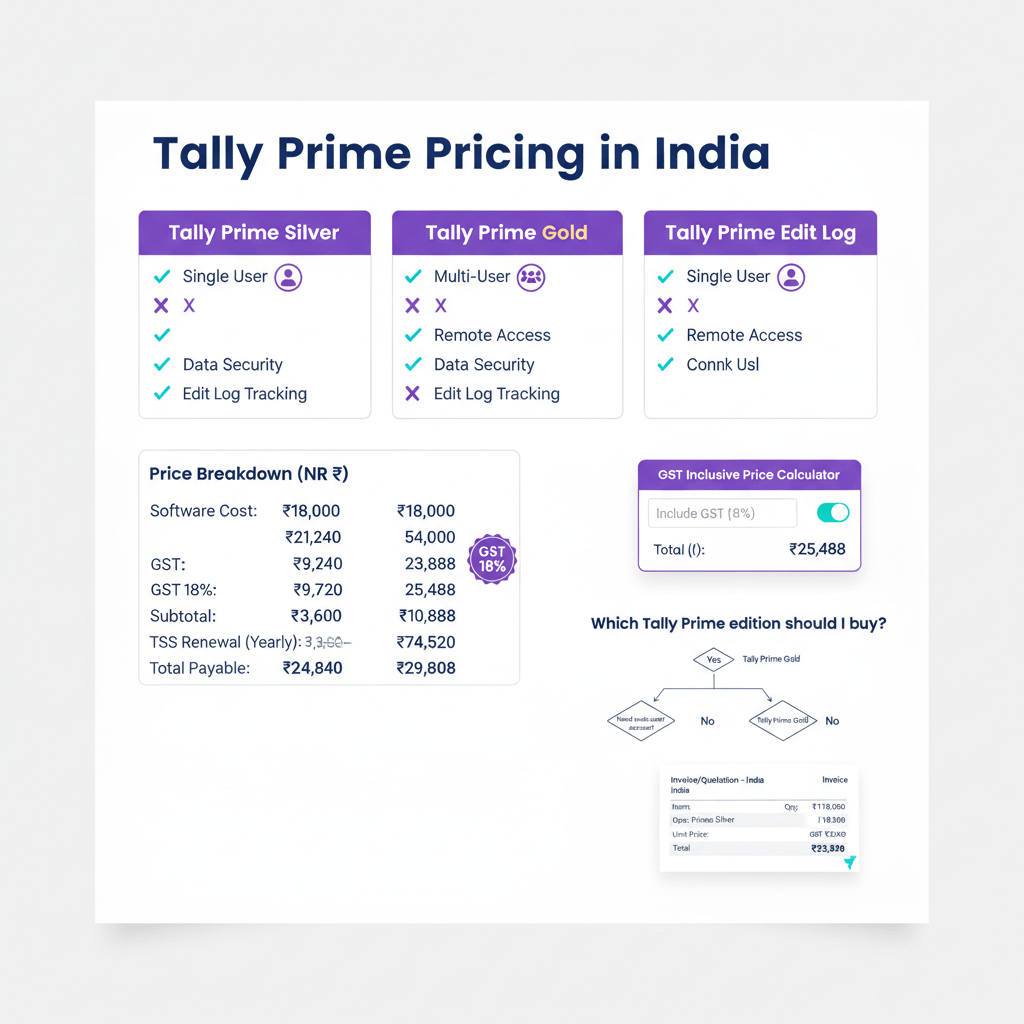
- TallyPrime
- Wave
When you compare, look at ease of use, mobile apps, client portals, and report quality. Automation is not only features, it is daily smoothness. Check whether the tool handles Indian compliance natively (GST returns, TDS tracking, e-invoicing) or requires add ons.
Implementation roadmap, first 30 days
Week 1, setup
- Confirm GST applicability from expected turnover. Start registration if needed.
- Open or confirm a dedicated current account for business. Keep personal and business separate.
- Collect past bank statements, invoices, and bills. Import at least six to twelve months.
Week 2, connections
- Connect bank and card feeds. Link payment gateways. Verify data freshness.
- Set your chart of accounts for freelance work. Add income categories by client or service line. Map tax rates for GST or exports.
Week 3, rules and documents
- Build invoice templates with taxes and terms. Test a small invoice batch.
- Write auto coding rules for frequent vendors. Tag expense categories and tax.
- Set up a document hub for contracts, invoices, receipts, and proofs.
Week 4, dashboards and test runs
- Turn on compliance calendars and reminders for GSTR, TDS, and advance tax.
- Test a full cycle. Send a test invoice, receive a test payment, run a reconciliation.
- Review dashboards for cash flow, aging, and taxes. Adjust rules where needed.
By day thirty, the system should run daily with a weekly review and a monthly close. Most freelancers find that the first full automated month end takes under two hours instead of a full weekend.
Common mistakes to avoid
- Ignoring TDS and Form 16A. Reconcile 26AS monthly, or you risk cash gaps and ITR issues.
- Place of supply errors in GST. Wrong tagging breaks filings and credit flow.
- Booking only net gateway settlements as income. Always record gross revenue and fees separately.
- Mixing personal and business expenses. Use a dedicated account and tag owner drawings clearly.
- Skipping monthly reconciliations. Short monthly checks prevent year end pain.
- Not cross checking AIS with your books. The Income Tax Department now uses AIS data for mismatch notices, so verify quarterly at minimum.
Automation will flag many of these issues. You still confirm and fix. See the GST portal's reconciliation tools for official guidance on matching GSTR 2B with your purchase register.
Metrics to track monthly
- Revenue and profit by client. Drop or reprice low margin work with evidence.
- Accounts receivable and days sales outstanding. Reduce lags with earlier nudges.
- Cash runway and burn rate. Keep buffers for taxes and lean months.
- GST and TDS liabilities. Verify 26AS credits. Log mismatches for follow up.
- Advance tax accruals. Set aside funds monthly to avoid quarter end stress.
- Invoicing cycle time. Measure from work done to payment received. Fix delays.
- Payment failures and retries on gateways. Update cards or switch routes when needed.
Use anomaly alerts, for example an expense spike or a missing 16A credit. These flags are what separate reactive bookkeeping from proactive financial management.
Mini scenarios, see automation in action
Content writer with domestic clients
Clients deduct TDS on each invoice. The system tracks TDS per client and matches to 26AS. You see net receipts and expected credits. Dashboards show revenue and TDS for a smooth ITR.
Designer with foreign clients
You bill in USD or EUR. Exports run with LUT. The system tracks exchange rates, gains or losses, and inward remittances. You finish the year with a clean export report and FIRC trails.
Indie developer with a SaaS product
Your app bills monthly through a gateway. Recurring invoices post automatically. GST thresholds are monitored. Revenue is recognized correctly. Dashboards show churn, MRR, and taxes due.
Photographer on the move
You scan receipts on your phone. OCR reads dates and amounts. Rules post to travel and stay. Month end closes without late night data entry.
How AI Accountant virtual accounting enables automation
AI Accountant delivers a CA led managed service with a live dashboard, designed to power automated accounting for freelancers from day one. You get ongoing bookkeeping, GST and TDS work, ITR support, bank and gateway reconciliations, and advance tax planning. The central dashboard shows live numbers, compliance timelines, a document hub, AI insights, and one place to chat with your CA team.
What you get
- A dedicated CA team for end to end accounting, GST, TDS, and income tax compliance, monthly bookkeeping, cleanup, bank and gateway reconciliations, and year end close.
- Dashboards for revenue, expenses, profit and loss, cash flow trends, burn rate, runway, recent transactions, and filing status.
- AI insights and alerts to spot anomalies early, for example missed TDS credits or place of supply mistakes.
- A document repository for invoices, bills, and proofs, keeping records audit ready.
- Central communication with the CA team, no more bouncing across apps.
How it compares to DIY software
- Setup: DIY means you handle it yourself. With AI Accountant you get onboarding and ledger cleanup.
- Compliance: DIY gives basic rules. AI Accountant adds filings and advisory from a CA.
- Insights: DIY shows dashboards. AI Accountant layers AI alerts and a CA who explains next steps.
- Best fit: DIY works for simple cases. A CA led service fits many clients, irregular income, foreign payments, or complex GST and TDS.
Monthly rhythm
- Onboarding in month one: bank feeds, gateway links, chart of accounts, invoice templates, and compliance calendars.
- Proactive checks each month: reconciliations, tax checks, and a health review, with a clear summary.
- Year end support: schedules, coordination with your statutory auditor if needed, and ITR filing assistance.
Result: automation plus expert oversight becomes a managed system that runs daily, and you stay in control with fewer surprises. Learn more at AI Accountant.
Actionable checklist for setup and monthly close
One time setup
- Connect bank, card, and gateway feeds.
- Create invoice templates with GST and TDS fields.
- Build expense rules by vendor with OCR.
- Set GST profile, place of supply, and e-invoicing where needed.
- Turn on compliance calendars and reminders.
- Set document storage and naming rules.
Weekly habits
- Review new transactions and approve auto coding.
- Send invoices and check reminders.
- Scan and attach receipts for the week.
- Check dashboards for alerts or anomalies.
Month end close
- Run bank and gateway reconciliations.
- Review receivables aging and follow up.
- Confirm GST and TDS liabilities and 26AS credits.
- Update advance tax accruals and buffers.
- Review profit and loss and cash flow.
- File or share compliance packs with your CA.
If you want a guided path and a CA on call, consider a managed option like AI Accountant.
Closing thoughts
Automated accounting for freelancers gives back time and focus, improves accuracy and cash flow, and keeps you compliant without last minute scramble. Start with the thirty day plan above. If you want expert hands on the wheel, AI Accountant pairs a CA team with a live dashboard so you always know where you stand. Book a demo to see it in action and get a simple compliance health check at AI Accountant.
Note: this guide is general information. For your specific case, always consult a CA.
FAQ
Is automated accounting enough on its own, or do I still need a CA for India compliance
You still need a CA. Software automates data entry, invoicing, reminders, and reconciliations, but a CA interprets India specific rules like reverse charge on cross border services, TDS sections, and changing GST notifications. A practical model is software for daily flow, plus a CA led review. An AI enabled service like AI Accountant blends both, giving automation with expert oversight.
When should a freelancer register for GST, and do I need e-invoicing today
Register when aggregate revenue crosses ₹20 lakh (₹10 lakh in special category states). E-invoicing is mandatory for businesses above ₹1 crore aggregate turnover from April 2025 (2026 update). If you export services with LUT, configure invoices accordingly. A CA will confirm edge cases like interstate supply or multiple trade names.
How do client TDS deductions flow into my books and my ITR
Record invoices with TDS fields, book receipts net of TDS, and maintain a TDS receivable ledger per client. Reconcile those credits with Form 26AS and AIS monthly, and collect Form 16A quarterly. At year end, claim the total credit in your ITR. Tools like AI Accountant track deductions, flag missing credits, and chase 16A if a client delays.
What is the right way to book payment gateway settlements for accuracy
Always book gross collections as revenue, record gateway fees and any GST on fees as expenses and input tax where eligible, then post the net settlement to bank. Do not book only the net settlement as income, or you will understate revenue and misstate GST. The AIS now captures gross gateway data, so mismatches trigger notices faster (2026 update).
How should I treat foreign receipts, FX differences, and export paperwork
Invoice in client currency, mark as export with LUT if applicable, recognize revenue at the exchange rate on the invoice date, and record FX gain or loss on collection. Keep FIRC or e-FIRC, invoice, and contract together. A managed service like AI Accountant maintains this trail and prepares export summaries for audits.
What is the best automated accounting option for freelancers just starting out
Start with a tool that supports Indian GST, TDS, and bank feed imports natively. AI Accountant, QuickBooks Online, and Xero are popular choices. The best fit depends on whether you want self service (DIY software) or a CA managed model where someone handles compliance for you. If your billing is irregular or you have foreign clients, a managed service pays for itself in avoided errors.
How do I reduce manual bookkeeping with automated payment tracking
Connect your bank account and payment gateways so transactions import daily without manual entry. Set auto coding rules for repeat vendors and income sources. Use duplicate detection and period locks after reconciliation. This setup eliminates 80% to 90% of manual ledger work, leaving you with only exception handling and approvals each week.