-01%201.svg)
Key takeaways
- Get instant visibility with a ready to use cash flow dashboard template, then automate when manual updates start slowing you down.
- Focus on five essentials, an inflow outflow visual, a net cash trend, cash position by bank, a reliable short term forecast, and an exportable pack.
- Feed clean data, bank and card statements, AR and AP schedules, and tight category mapping, for fast setup and accurate insights.
- Automate with AI Accountant for Zoho Books or Tally to get real time cash visibility without copy paste.
- Use the template for quick starts and board packs, use automation for daily visibility, multi entity control, and fewer errors.
- Apply India specific practices, treat GST, transfers, and card repayments correctly, reconcile opening balances, and avoid double counting.
- Avoid pitfalls, inconsistent categories, optimistic forecasts, and misclassified transfers, and establish weekly rhythms or automate.
Table of contents
Cash Flow Dashboard Template, download, customize, and automate in minutes
Running out of cash before month end is every founder’s nightmare, you need instant visibility into today’s cash position and the next 30 days. This cash flow dashboard template delivers a fast, practical setup, and a clear path to automate via AI Accountant for Zoho Books or Tally. Whether you are a startup founder checking runway, a finance manager prepping board reports, or a CA firm managing multiple clients, you get useful cash insights without spreadsheet chaos.
Pro tip: Start simple, get visibility today, then automate before manual updates slow your week down.
What to look for in a cash flow dashboard template
Not all templates are created equal. After reviewing dozens of options, these must haves keep your cash insights reliable and actionable.
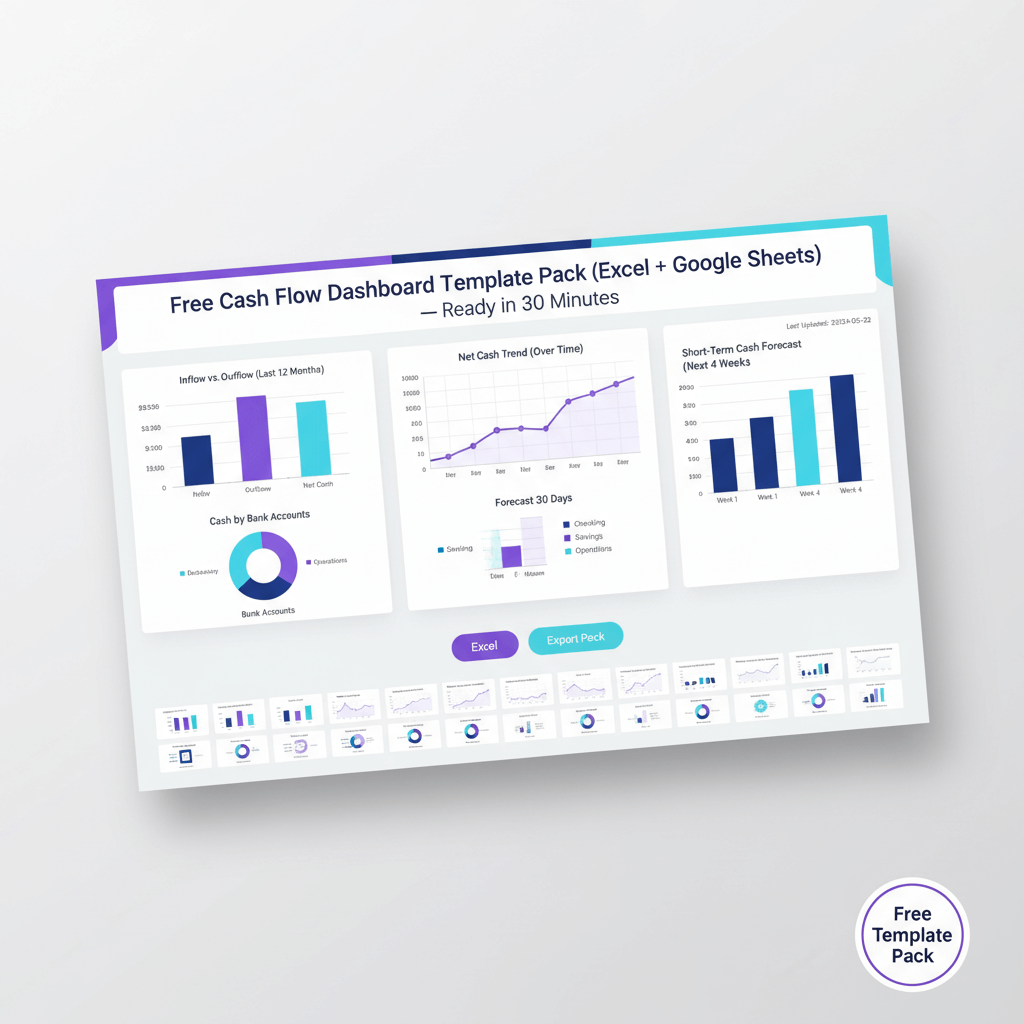
- Inflow outflow visual, clear bar or column charts comparing money coming in versus going out, your heartbeat monitor for cash.
- Net cash trend, line graphs tracking daily movement and cumulative balances over time, see reserves building or burning.
- Cash position by bank, tables and pie charts showing balances across accounts, spot concentration risks fast.
- Short term forecast, use a short term forecast for 7, 14, and 30 day views from actual AR and AP, skip guesswork, use book facts.
- Exportable pack, one click PDF or Excel exports for management and board reviews, no manual copying.
- Simple inputs, formats that match bank statement columns, basic visuals, low maintenance categories, date and account filters, easy sharing.
Think of the inflow outflow visual like an ECG, one glance and you know if cash rhythm looks healthy or erratic.
Sources: insightsoftware guide, YouTube walkthrough, Excelmatic examples, Klipfolio patterns, Phoenix Strategy use cases
What’s inside our template, feature tour
Download a Google Sheets and Excel ready cash flow dashboard template crafted for Indian businesses, with practical visuals and quick exports.
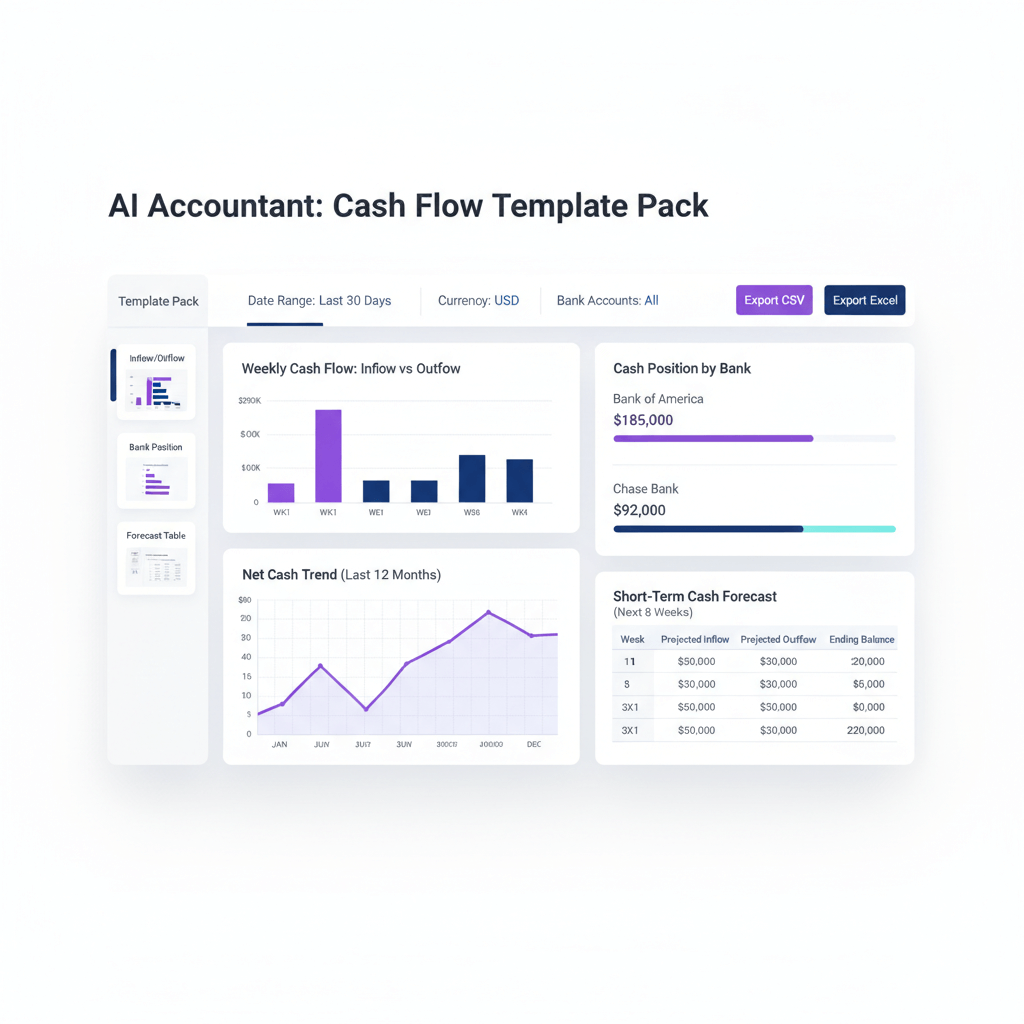
- Inflow outflow visual, daily and weekly movement in clear bars and columns, totals and variance at a glance.
- Net cash trend, a clean line graph of net movement with cumulative cash position, watch buffers grow or shrink.
- Cash position by bank, a detailed table plus pie chart, find idle funds or dependence on one bank.
- Short term forecast, 7, 14, 30 day views from expected collections and scheduled payouts, no complex formulas.
- Exportable pack, pre formatted PDF and Excel slides, ready for board presentations and investor updates.
Sources: YouTube walkthrough, insightsoftware guide, Fanruan dashboard roundup, Excelmatic examples
Data you need to feed the template
Initial setup needs just three inputs for reliable dashboards, keep it simple, then refine later.
- Bank and card statements, date, narration, debit or credit, amount, account name, download CSV or Excel.
- Receivables and payables schedules, due dates for expected inflows and planned outflows, improves forecast accuracy.
- Category mapping, collections, vendor payouts, payroll, taxes, inter account transfers, avoid double counting transfers and card settlement.
Start with five categories, collections, vendors, payroll, taxes, transfers, then expand only when insights require it.
Sources: YouTube walkthrough, insightsoftware guide
Step by step setup, Google Sheets or Excel
Follow these steps to get from raw statements to a working dashboard in under 10 minutes.
- Copy the cash flow dashboard template to Drive or download the Excel version.
- Paste bank and card transactions into the data input sheet, use dropdowns to map categories.
- Refresh pivots and charts to populate your inflow outflow visual and net cash trend automatically.
- Enter opening balances by bank to complete the cash position by bank view.
- Add expected collections and scheduled vendor payments to power the short term forecast.
- Generate the exportable pack, use the Export button or macro instructions for PDF and Excel bundles.
That’s it, update weekly, or daily if transaction volumes are high.
Tip: Lock the data input sheet, then track changes in a separate tab to preserve source integrity.
Sources: YouTube walkthrough, insightsoftware guide
Automate with AI Accountant
Manual updates get old fast. Shift to live data using AI Accountant for Zoho Books or Tally, and get real time cash visibility without copy paste.
- Full master sync, chart of accounts, contacts, items, auto aligned.
- Bank and card ingestion, normalized statements, smart ledger prediction, transfer and split handling.
- Live dashboards, real time inflow outflow visual, rolling net cash trend, consolidated cash position by bank, and factual short term forecast.
- One click exports, PDF and Excel bundles for any date range.
- CA friendly controls, multi org support, role based access, learns from your categorization patterns.
Outcome: Faster closes, fewer errors, and daily cash clarity without maintenance overhead.
Sources: insightsoftware guide, Phoenix Strategy use cases, Excelmatic examples
Comparison, template versus automation
| Feature | Template | AI Accountant automation |
|---|---|---|
| Cost to start | Free download, quick manual setup | Continuous live data feed, free trial available |
| Data updates | Manual copy paste required | Automatic real time sync |
| Accuracy level | Basic categorization | Fewer errors with drill down capability |
| Forecast and export | Simple short term forecast, manual exportable pack | Rich projections, instant reports |
Use templates for quick starts, learning, and occasional board packs. Use automation for daily visibility, multi entity control, and time savings that compound.
Sources: insightsoftware guide, Phoenix Strategy use cases, Excelmatic examples
India context tips to keep numbers clean
- GST handling, treat payments and refunds as cash movements, not P and L items, mark clearly to avoid distortion.
- Transfers, separate inter account transfers from expenses, tag ICICI to HDFC moves as transfers, not outflows.
- Credit cards, outflow on the swipe date, bill payment is a transfer, not an expense.
- Opening balances, reconcile weekly against bank statements, pending transactions can cause temporary mismatches.
- Advance tax, track separately from regular expenses, large quarterly payments distort monthly patterns.
Sources: YouTube walkthrough, insightsoftware guide
Common pitfalls and how to avoid them
- Transfers misclassified, net cash trend gets distorted, fix by creating a transfer category and exclude from net calculations.
- Optimistic forecasts, invoice date is not cash date, apply historical collection lags, for example 15 days late on average.
- Incomplete cash position, petty cash or deposits missing, document exclusions and add notes for clarity.
- Inconsistent categories, rent under facilities one month, overhead the next, maintain a category guide and review quarterly.
- Irregular updates, dashboards go stale, set calendar reminders or automate to keep data fresh.
Consistency beats complexity, simple categories, regular updates, and realistic forecasts drive trustworthy cash views.
Sources: YouTube walkthrough, insightsoftware guide, Phoenix Strategy use cases, Excelmatic examples
Popular cash flow management tools
AI Accountant, integrates with Zoho Books and Tally, automates ingestion, categorization, and live dashboards with one click exports, ideal for Indian businesses.
QuickBooks, built in forecasting and customizable reports for small and medium businesses, manual entry needed when feeds are missing.
Xero, real time bank feeds and automatic categorization, strong multi currency support for export oriented businesses.
FreshBooks, simple cash flow reports for freelancers and very small teams, limited forecasting depth.
Float, specialized forecasting that connects to accounting software, scenario planning and visual forecasts.
Pulse, straightforward projections with manual data entry, good when bank connections are not desired.
Quick implementation timeline and next steps
- First 10 minutes, download and plug data into the cash flow dashboard template, see your current position.
- Same day, generate the exportable pack, share insights with stakeholders.
- Within 1 to 2 hours, connect Zoho Books or Tally to AI Accountant, watch transactions flow into organized views.
- First week, refine categories and train teams to read the dashboards.
- First month, set review rhythms, negotiate terms or adjust spend based on cash patterns.
Action items: download the template, book a 20 minute demo to see the inflow outflow visual, net cash trend, and cash position by bank automated, start a trial to experience short term forecast accuracy and one click exportable pack generation.
Source: insightsoftware guide
Start today with immediate cash visibility
Cash flow surprises kill businesses, with the right dashboard you spot problems weeks earlier, and negotiate from strength because you know your runway precisely. Start simple with the cash flow dashboard template, get your exportable pack ready for tomorrow’s meeting, then shift to AI Accountant for automated, real time visibility that scales with your team and entity count.
The tools exist, the templates are ready, the only missing piece is your decision to start.
FAQs
How frequently will my cash flow dashboard refresh if I use AI Accountant with Zoho Books or Tally?
With AI Accountant, dashboards refresh in near real time as new transactions sync from Zoho Books or Tally. Bank feeds typically update every few hours, reconciliations and categorization adjustments propagate immediately, ensuring current inflow outflow views and a rolling net cash trend without manual effort.
What minimum data set should a CA prepare to implement the template for a new client in under 30 minutes?
Prepare three files, bank and credit card statements with date, narration, debit or credit, amount, and account name, AR due dates for expected collections, AP payment schedules for planned outflows. Map five categories, collections, vendor payouts, payroll, taxes, and transfers, then load opening balances by bank to complete the cash position view. This is enough to generate a 7, 14, 30 day short term forecast immediately.
Can I customize category taxonomy for different industries, for example SaaS versus manufacturing?
Yes. In the template, categories are editable and the pivot logic will roll up any taxonomy you define. In AI Accountant, you can create industry specific category sets, the system learns your tagging patterns over time, and suggests consistent mappings, for example seats and subscriptions for SaaS, raw materials and job work for manufacturing.
How should GST payments, refunds, and TDS be treated to avoid distortions in net cash trend?
Treat GST and TDS as cash movements, not P and L items. Tag them under statutory cash flows so they do not inflate expenses or reduce collections incorrectly. Document the treatment in a notes section, then exclude statutory transfers from net cash movement calculations to keep trends faithful to operational cash.
What is the best practice for handling inter account transfers, for example ICICI to HDFC, and credit card bill payments?
Create a dedicated transfer category. Tag ICICI to HDFC moves, UPI wallet top ups, and card bill payments as transfers. Card purchases are outflows on the swipe date, the card bill payment is a transfer. Exclude transfers from net totals, include them in cash position by bank to keep balances accurate.
How do I avoid optimistic forecasts when customer invoices are typically paid late?
Apply historical lags. If average collections arrive 15 days after due date, shift the receivable cash date accordingly. Layer probability weights by customer cohort, for example 80 percent for on time payers, 60 percent for slow payers. AI Accountant’s AI Accountant forecasting can learn these patterns, improving the 7, 14, 30 day projections.
Can a CA manage multiple client dashboards from a single login without cross organization data exposure?
Yes. AI Accountant supports multi organization management with role based access control. Each client’s data is encrypted and isolated, team members only see assigned entities. This lets CA firms review aggregate cash health across clients, while preserving confidentiality and compliance.
How do I produce board ready exports, for example PDF decks with inflow outflow visuals and bank positions?
Use the template’s exportable pack to generate PDF and Excel summaries. In AI Accountant, select a date range and one click export creates a bundled deck, including inflow outflow charts, net cash trend, cash by bank tables and pies, and forecast panels. This saves hours of manual assembling before board meetings.
What exceptions should I document when the cash position by bank differs from statement balances?
Document pending transactions, holds, deposits not yet cleared, petty cash, and prepaid balances excluded from the dashboard. Add a reconciliation note with differences and reasons, then schedule weekly reconciliations, this keeps management aligned on what the dashboard includes versus excludes.
How should I structure categories to keep vendor payouts, payroll, and taxes consistent month over month?
Publish a category guide, a two page document with definitions and examples. Use five primary buckets, collections, vendors, payroll, taxes, transfers, then add line items only when necessary. Review quarterly, not daily, to preserve trend comparability. AI Accountant’s AI Accountant suggestions help enforce consistency automatically.
Is there a way to trial automation before committing fees for a client engagement?
Yes. AI Accountant offers a free trial with full features. Connect Zoho Books or Tally, ingest a month of statements, and compare manual template outputs versus automated dashboards. You will typically see fewer categorization errors, faster updates, and more reliable short term forecasts.
How can a CA quantify time savings when switching from manual templates to automation for a 5 entity group?
Benchmark weekly tasks, statement ingestion, categorization, reconciliation, export preparation. Manual templates often consume 4 to 6 hours per entity per week. AI Accountant reduces this to 30 to 60 minutes, primarily for review and exceptions. Across five entities, that is a 15 to 20 hour weekly saving, while improving accuracy and timeliness.

Rohan Sinha is a fintech and growth leader building aiaccountant.com, focused on simplifying accounting and compliance for Indian businesses through automation. An IIT BHU alumnus, he brings hands-on experience across 0 to 1 product building, growth, and strategy in B2B SaaS and fintech.